The bid window now shows exactly which item you are bidding on, and tells you what to fix right where you are typing.
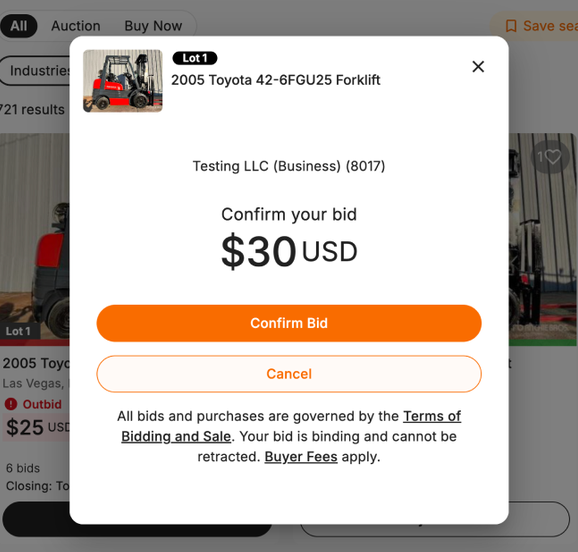
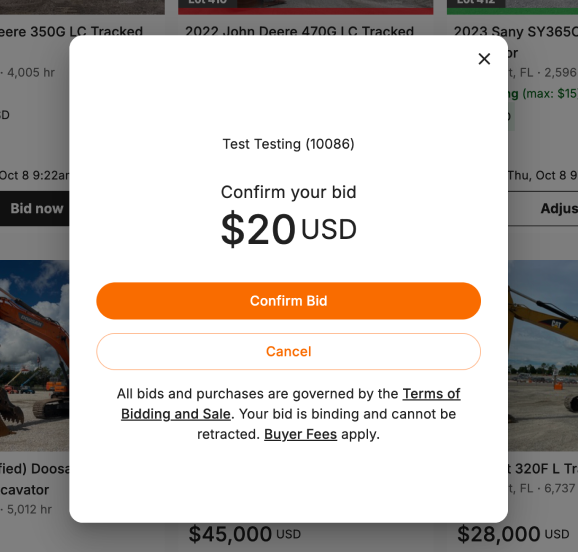
- See the item before you confirm: the Confirm your bid screen keeps the lot number, photo and title in view, so you know which item your bid is for.
- Errors next to the amount: if your bid amount is not valid, the message now appears right above the amount box instead of covering the bid history.
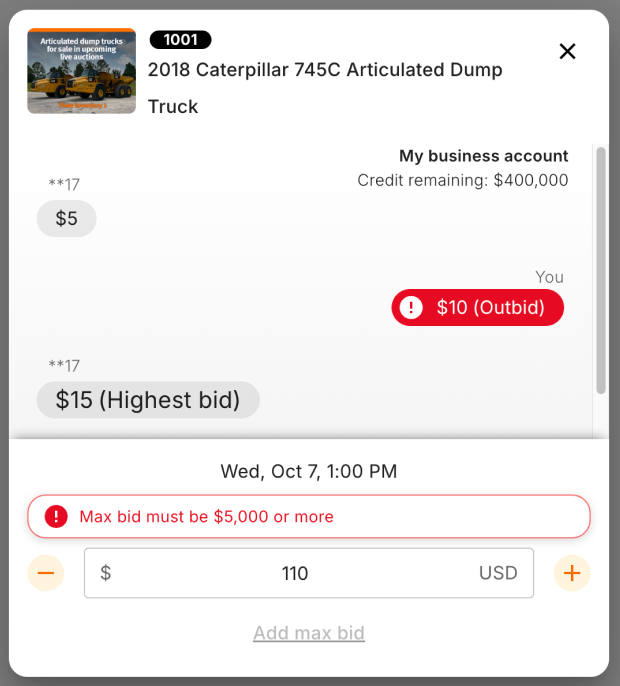
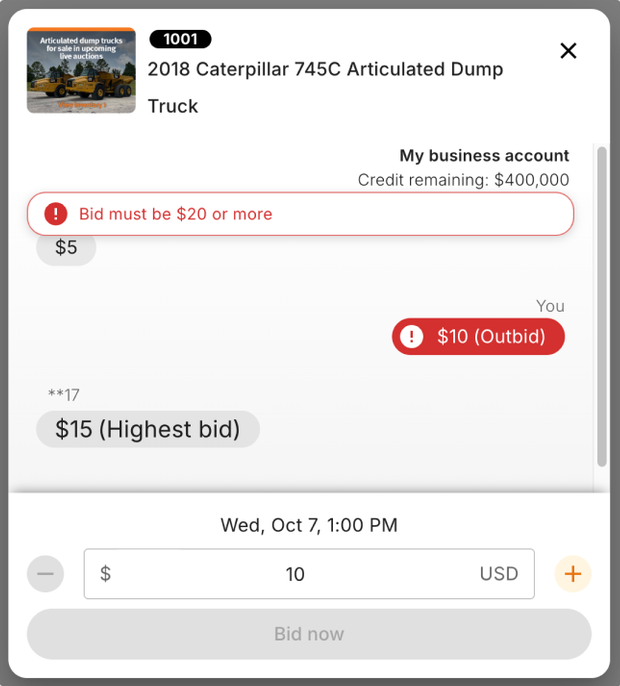
- Lot number everywhere: the bid window now shows the lot number when you open it from search results, your Watchlist or Active Bids.
Available now on rbauction.com.