• A clearer bid window

    The bid window now shows exactly which item you are bidding on, and tells you what to fix right where you are typing.

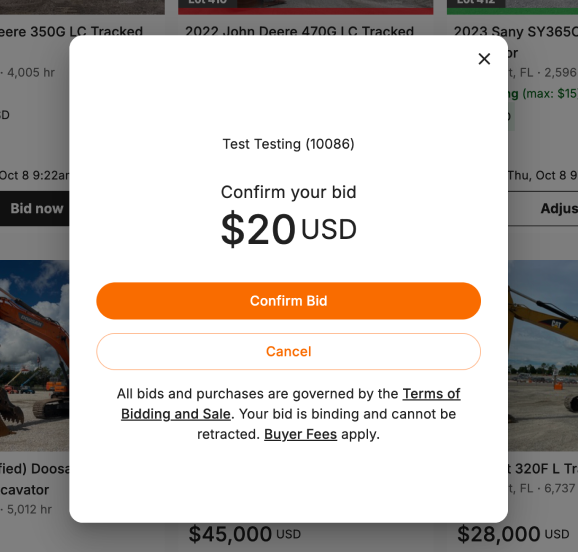
    • See the item before you confirm: the Confirm your bid screen keeps the lot number, photo and title in view, so you know which item your bid is for.
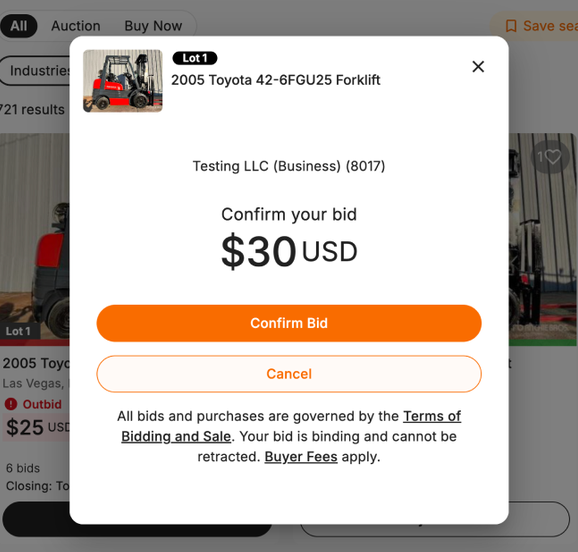
    Confirm your bid screen with the lot number, item photo and title at the top Confirm your bid screen showing only the account and amount Before After
    Confirming a bid, before and after.
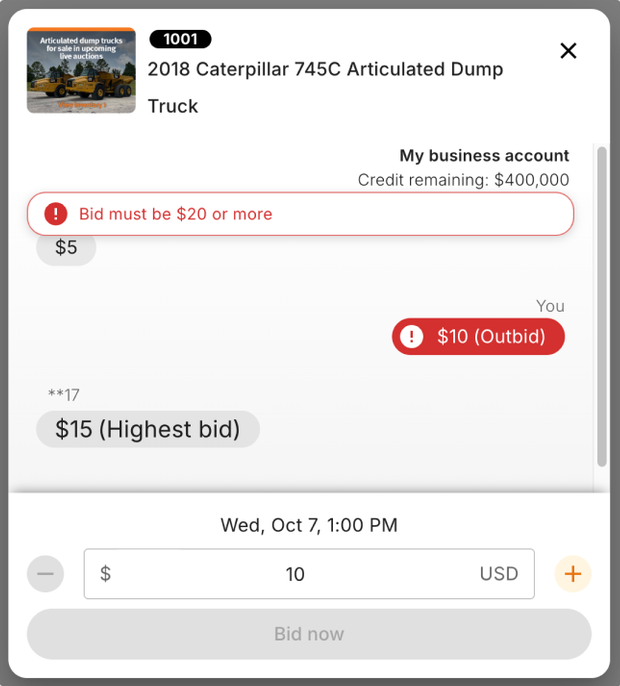
    • Errors next to the amount: if your bid amount is not valid, the message now appears right above the amount box instead of covering the bid history.
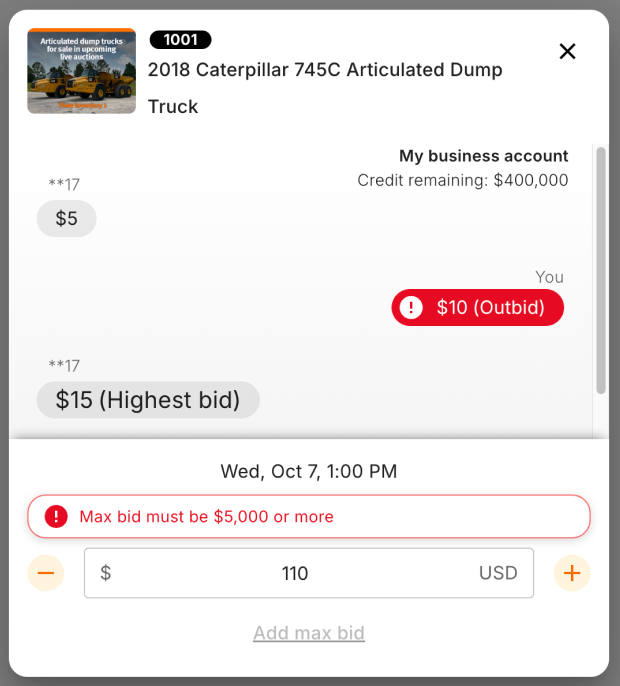
    Error message sitting directly above the bid amount box Error message covering the top of the bid history Before After
    A bid amount error, before and after.
    • Lot number everywhere: the bid window now shows the lot number when you open it from search results, your Watchlist or Active Bids.

    Available now on rbauction.com.

  • One bid limit across every sale

    Your bid limit is now consistent across every timed auction — the same limit applies no matter which sale you’re bidding in or what currency it’s in. No more surprises where your limit looks different from one auction to the next.

  • Reserve auctions are now open for bidding

    Reserve and starting prices are now supported across auctions. You can bid on reserve and starting-price lots directly on rbauction.com, with reserve messaging shown on the listing so you know where your bid stands against the seller’s minimum.