• QR codes now take you straight to the equipment

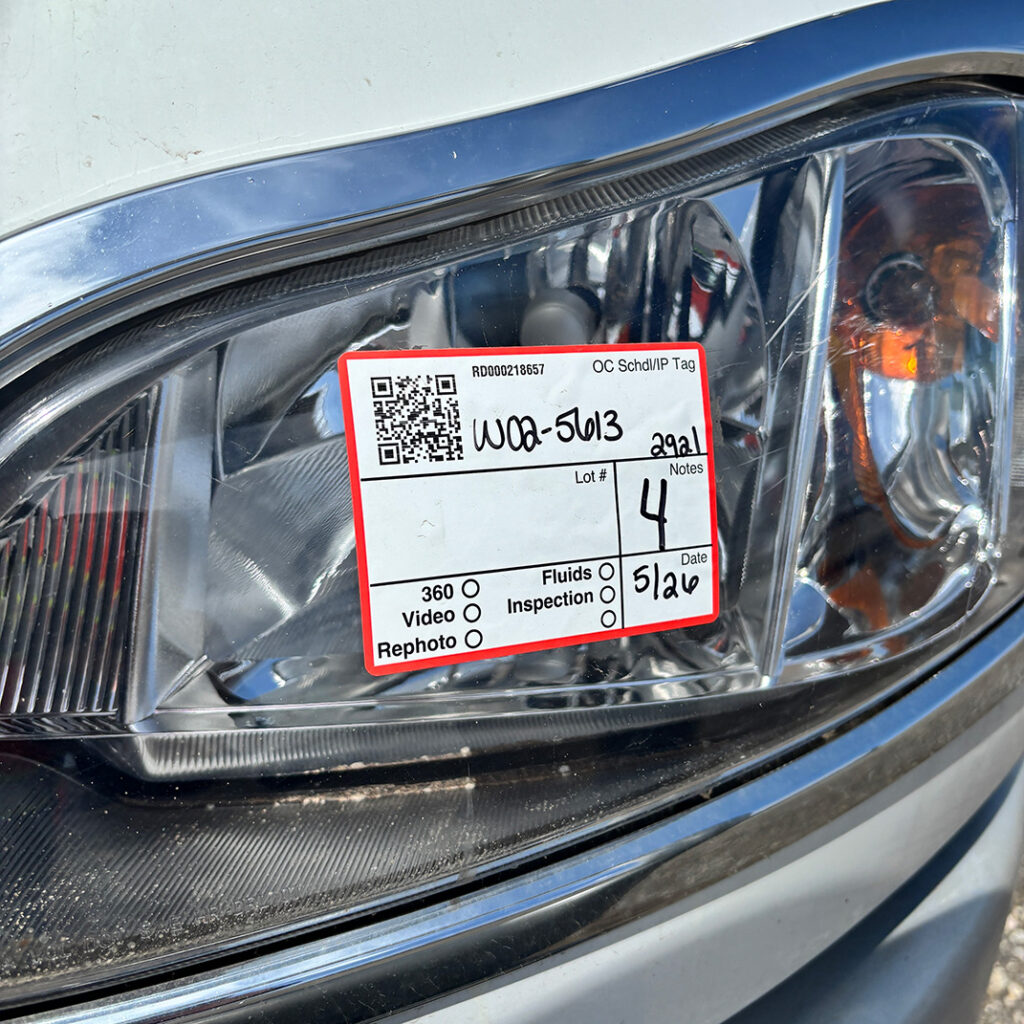
    The QR codes on equipment in our yards have been there for years — but scanning one used to drop you on the homepage, leaving you to search for the machine standing right in front of you. Now scanning takes you straight to that equipment.

    From there you can add it to your watchlist and check its inspection details — right there in the yard.
  • Filter by how you want to buy

    A new toggle on search and auction pages lets you switch between buying formats — see everything, or narrow to just timed auctions or Buy Now items — so you can find fixed-price equipment faster.

  • Search by location and auction name

    Search now matches on more than make and model. Search a state, a region, or a city and you’ll get equipment where you want it — or search an auction’s name to pull up everything in that sale.

    • Location: search by state, region, or city to find equipment in the area you’re looking
    • Auction and sale names: search a sale by name to see everything in it
  • New filters to narrow your search

    Two new ways to zero in on the right equipment: filter by distance from a location, and pick more than one industry, category, or type at a time.

    • Distance filter: set a radius around a location and see only the equipment within range
    • Multi-select filters: choose several industries, categories, or asset types at once instead of one at a time