This release is mostly about search. The filter sidebar has been rebuilt around how buyers actually search, with the filters you use most at the top and the rest grouped so they’re quicker to scan. You’ll also find new ways to sort sold results, proper previews when you share a link, search ideas on the homepage, and a round of fixes that make search steadier.
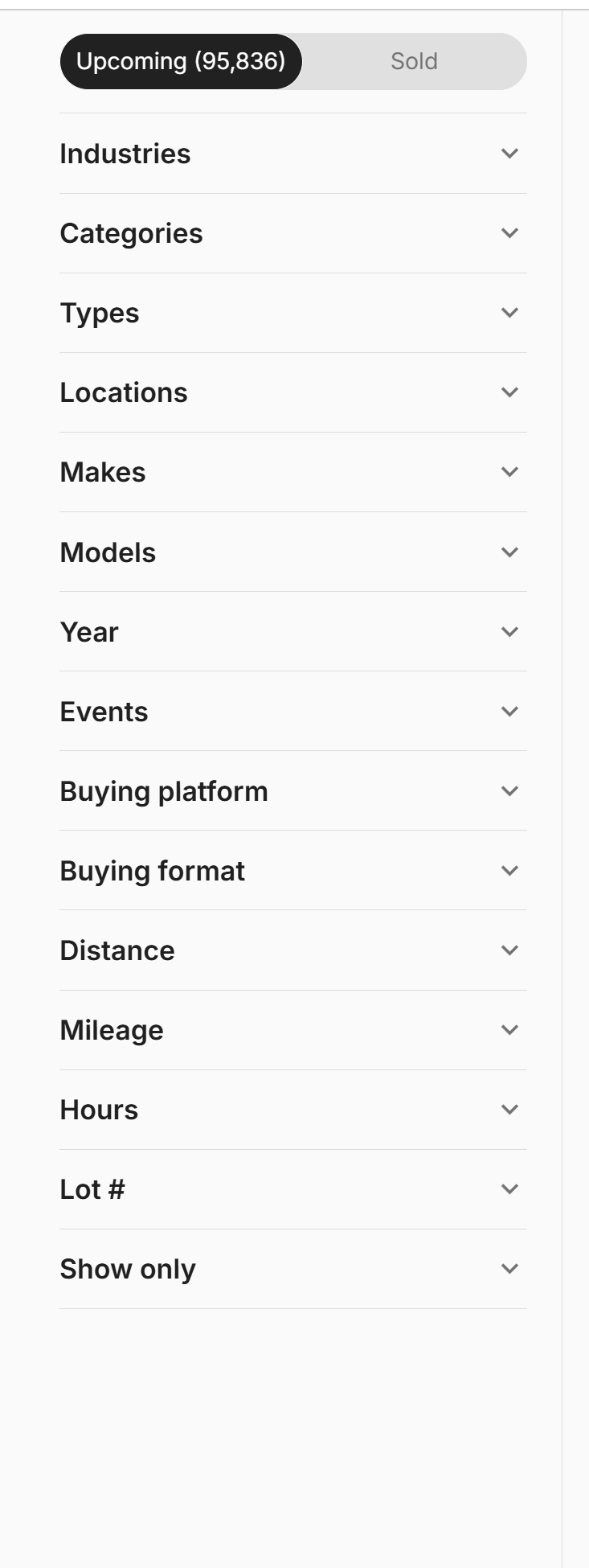
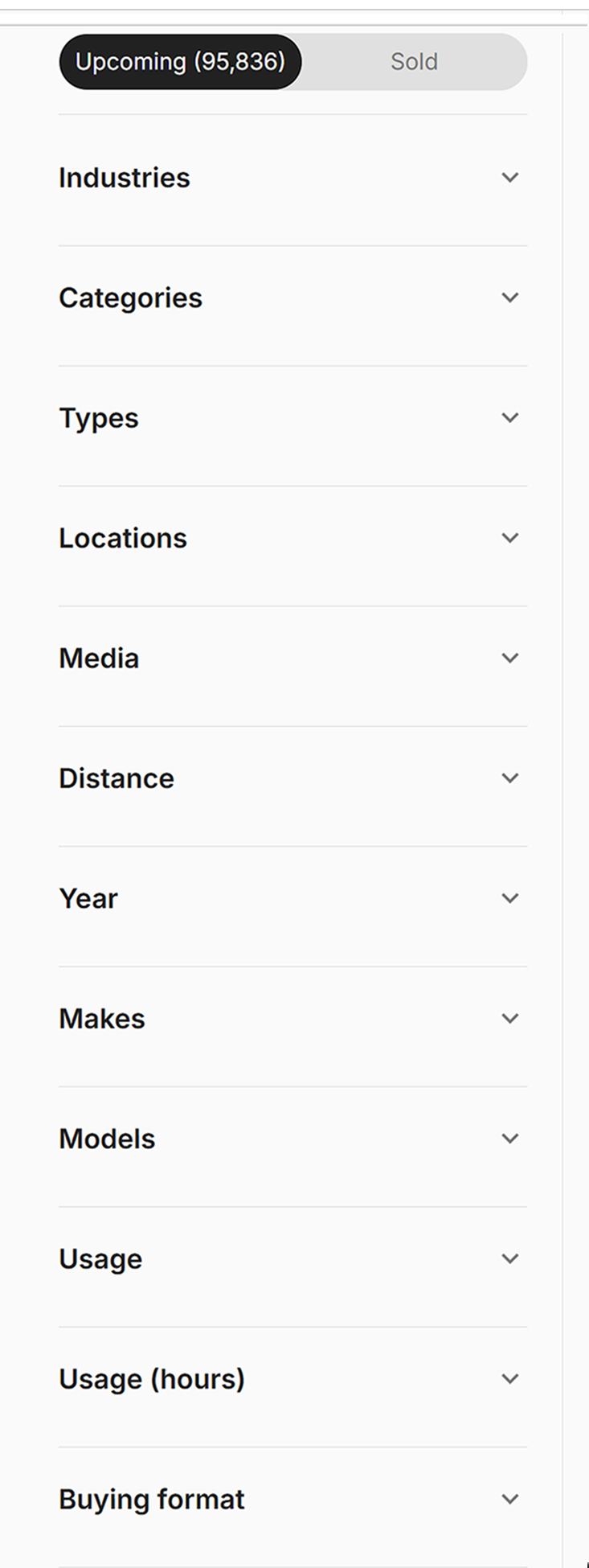
A filter sidebar built around how you search
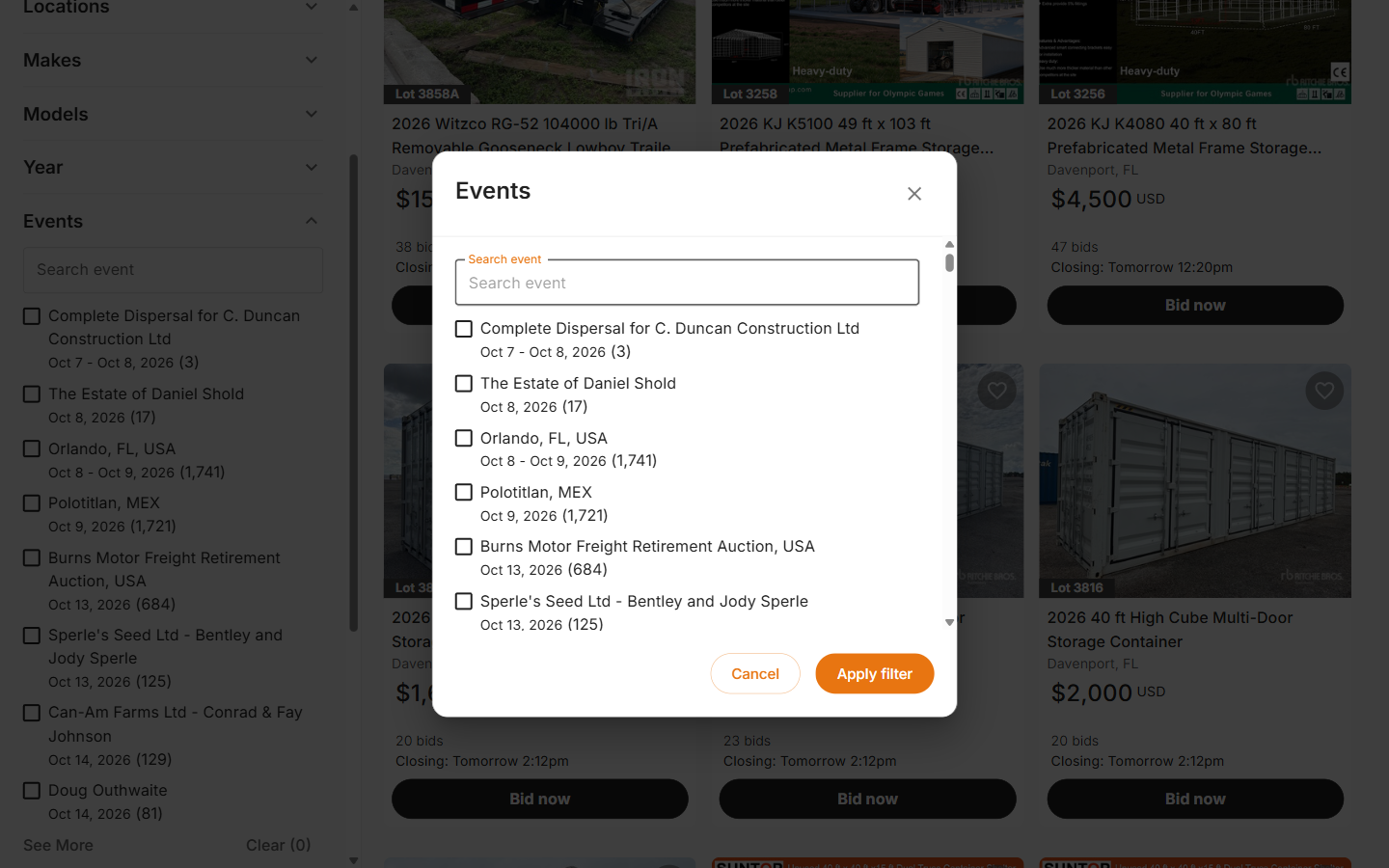
Most-used filters first: Locations, Makes, Models and Year now sit at the top, followed by Events, Buying platform and Buying format, with Distance, Mileage and Hours further down
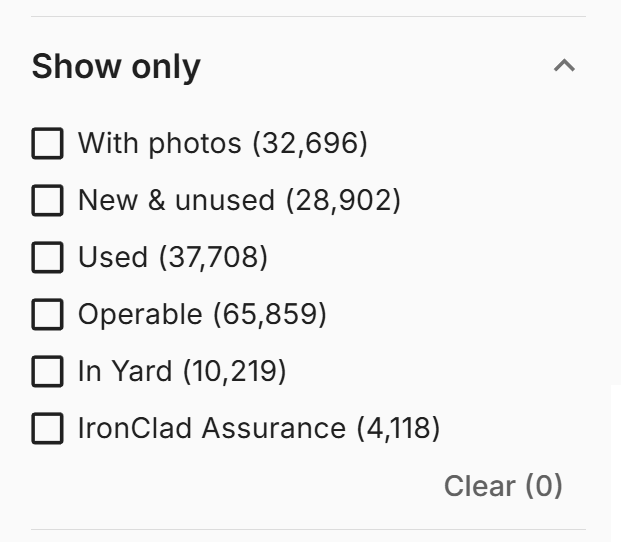
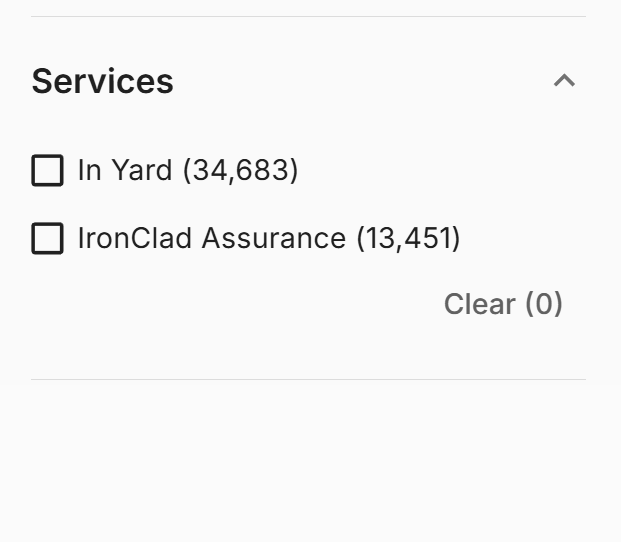
Show only: “With photos”, “New & unused” and “Used” now sit alongside “In Yard” and “IronClad Assurance” in one group, replacing the old Services section
Used equipment: a new “Used” option lets you hide new and unused items in one click
Simpler buying format: choose Auctions or Buy Now instead of picking through five separate formats. Sealed bid auctions are included in Auctions, and Make Offer listings in Buy Now. It’s part of bringing every way to buy into one marketplace, and making buying simple.
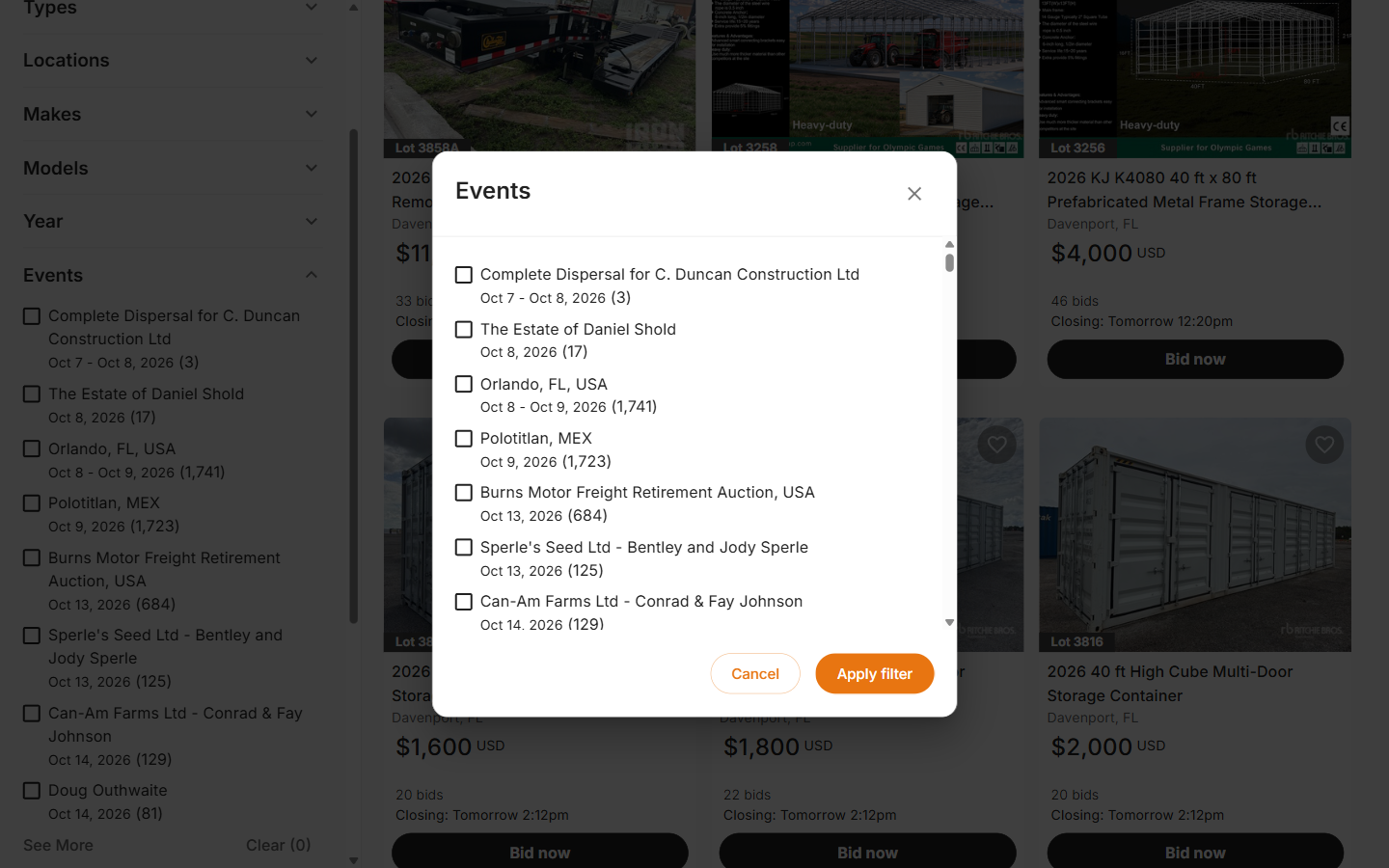
Sale events closing soonest first: upcoming sale events in the filter are now listed by which closes next
Hours and Mileage: usage filters now use the same plain names as the sort menu, and choosing “New & unused” hides both, since unused equipment has no hours or miles to filter on
More options at a glance: we trimmed the extra whitespace between options, so each filter now shows up to 8 choices before “See more”, and filters that fit entirely no longer show a “See more” link at all
Photos filter chip: “With photos” now appears as a removable chip above your results, like every other filter
Serial number: the separate filter is gone. Type a serial number straight into the main search bar instead.
Link previews: pasting a search, category or auction page link into Messages, WhatsApp or Slack now shows a title, description and image, not just a bare link
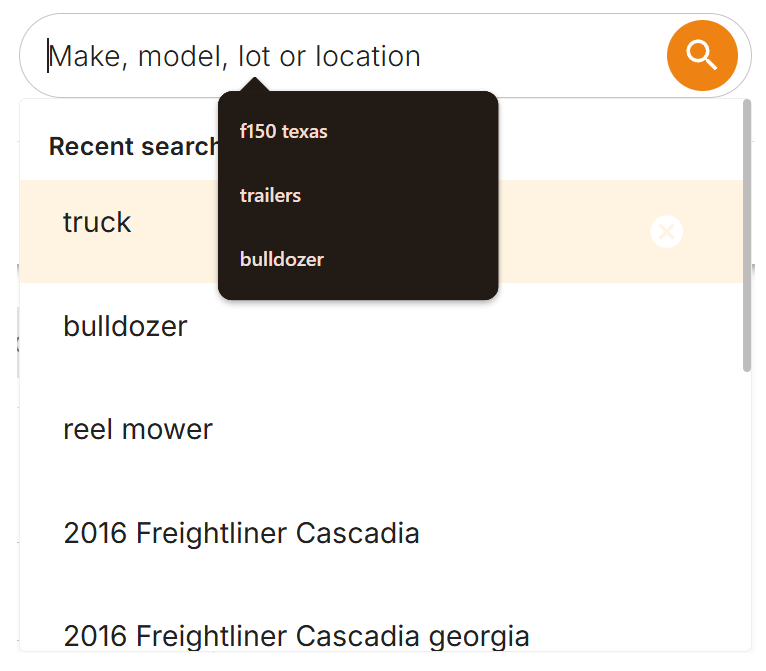
Search ideas on the homepage: on desktop, the homepage search box now scrolls through examples of what you can search for, one after another, and stops as soon as you click in to type
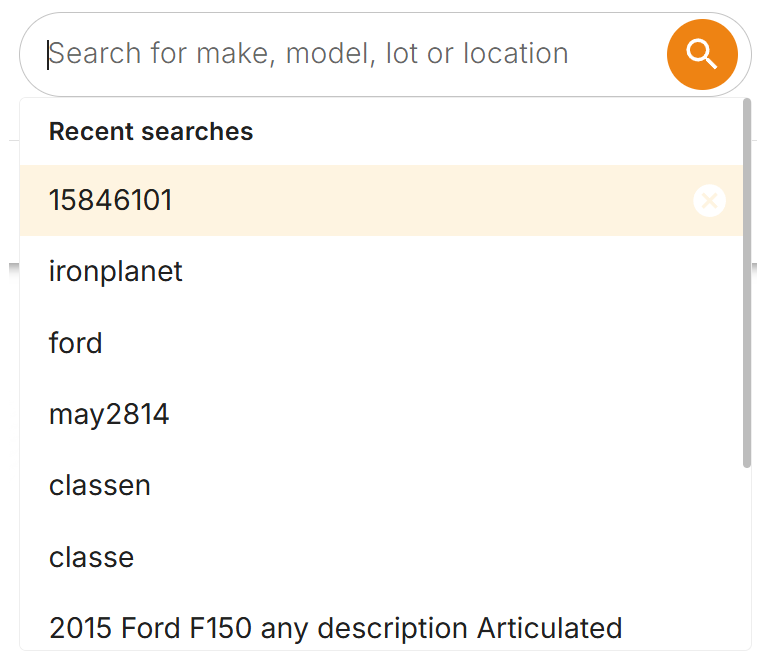
Clearer search box: the search box now reads “Make, model, lot or location”, so you know everything you can search by
Recent searches: a right-click in the recent searches list no longer runs a search or deletes an entry by accident
Mobile search: tapping the search icon now puts your cursor straight in the box, ready to type
One menu, not two: clicking or tapping into the search box now shows just our recent searches list, instead of your browser’s own saved searches popping up on top of it
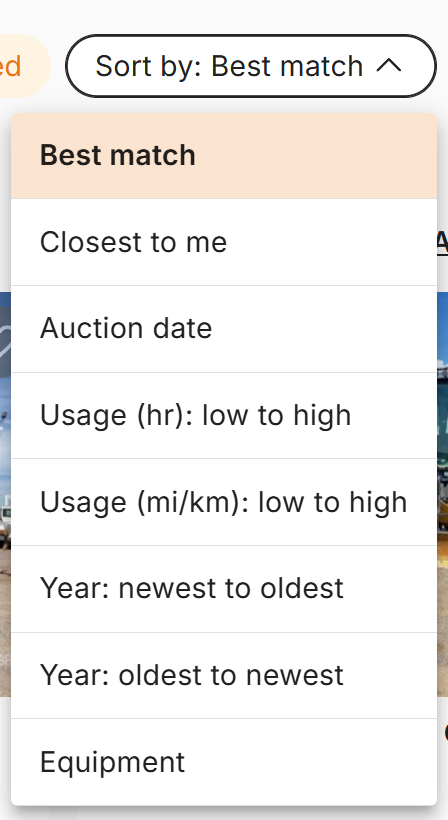
Sorting sold results: Sold results and past auction pages now sort by Sale date (latest first), Price (high or low, when signed in), Year, Hours and Mileage, with Lot number on past auction pages
Filters that hold: ticked filters no longer untick and re-tick themselves while results reload
No flash of old results: after you apply a filter, the previous results no longer appear for a split second before the new ones
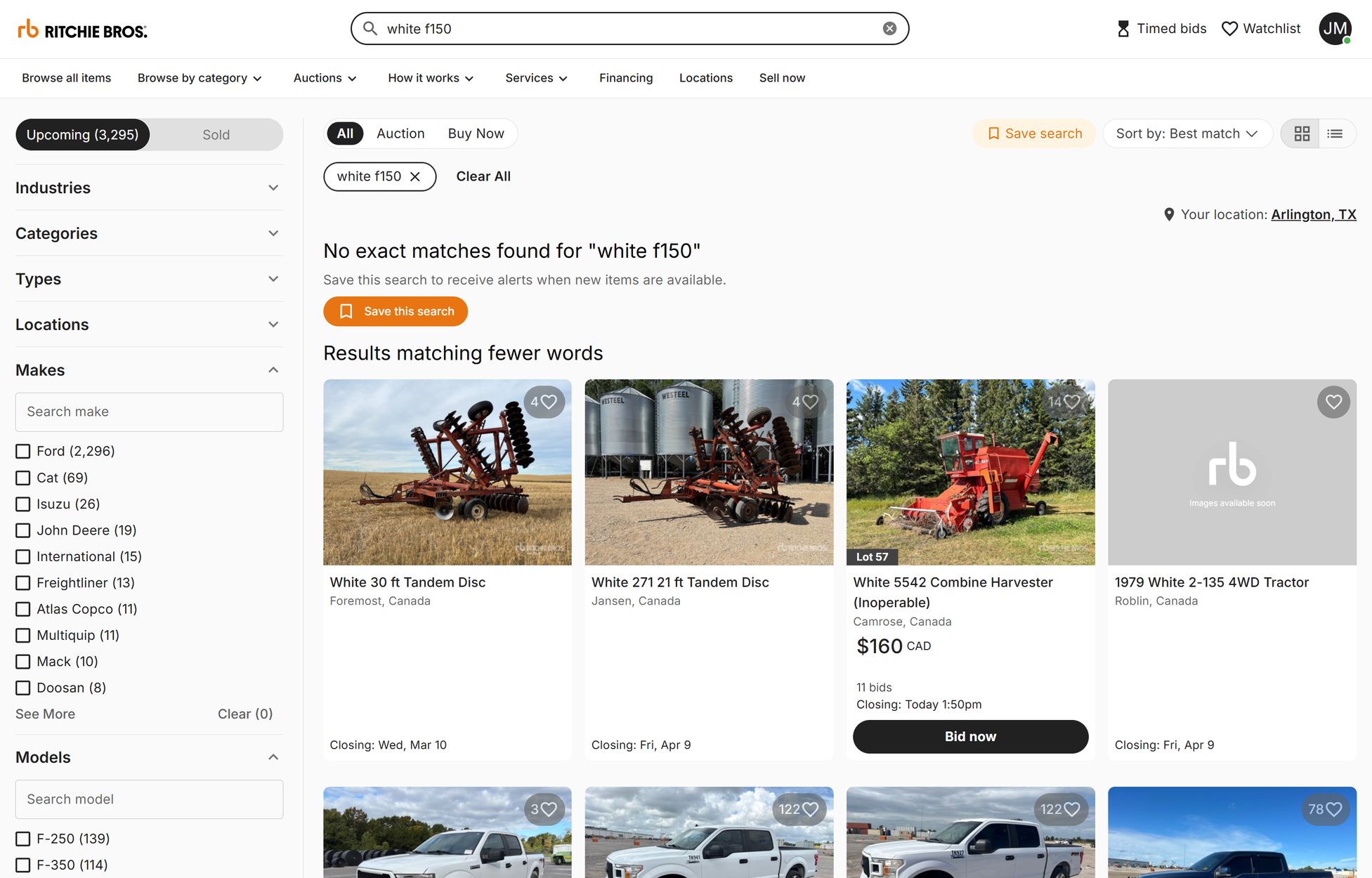
No exact matches: when nothing matches every word you typed, search says so plainly and still offers to save the search, without a result count that contradicted the message
When search hiccups: if results fail to load, you now see a message and a Retry button instead of “0 results” and an empty page
Around the site
Auction calendar: “Upcoming auctions” in the Auctions menu now opens the calendar, and the calendar’s filters match the rest of search
In your language: the IronPlanet and GovPlanet listing buttons, the search box and two sort labels are now translated in all 19 non-English languages
Our blog’s new home: the footer Blog link now opens blog.ritchiebros.com, with your region’s edition where one exists
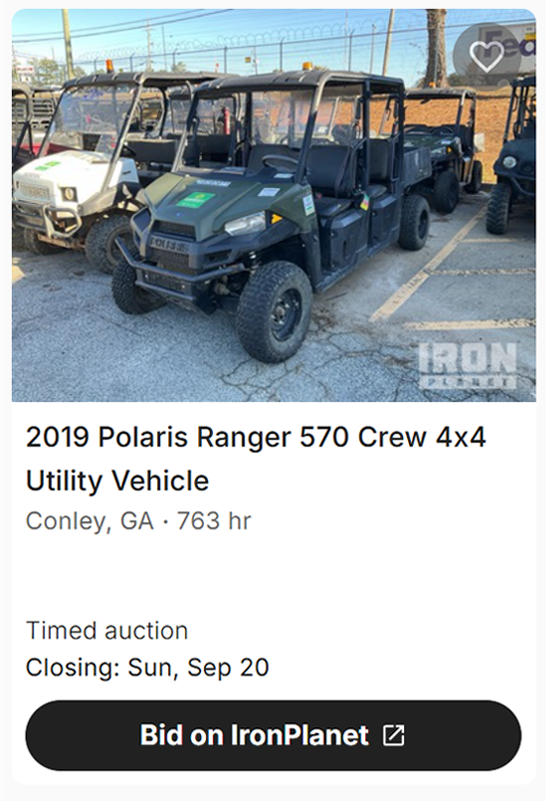
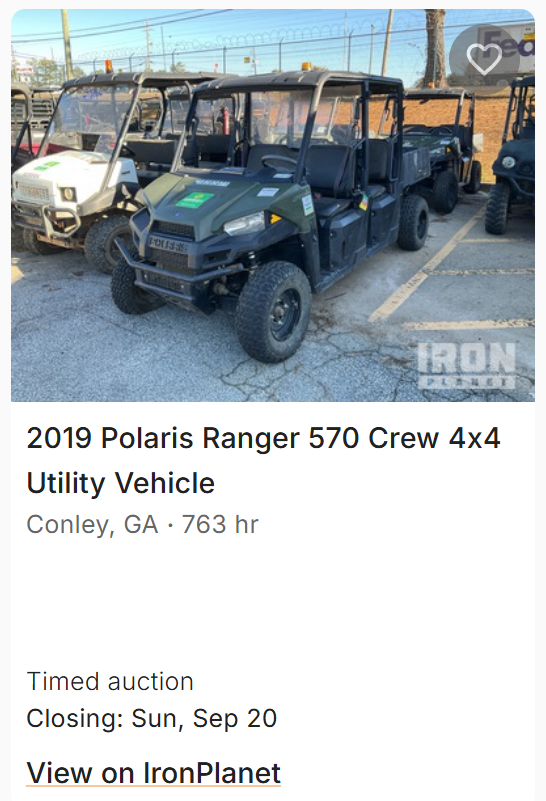
IronPlanet and GovPlanet listings on rbauction.com: these cards now end in a clear button that says what you’ll do there, like “Bid on IronPlanet”, instead of a small “View on IronPlanet” link, and the button looks the same in grid and list view
An IronPlanet listing on rbauction.com, before and after
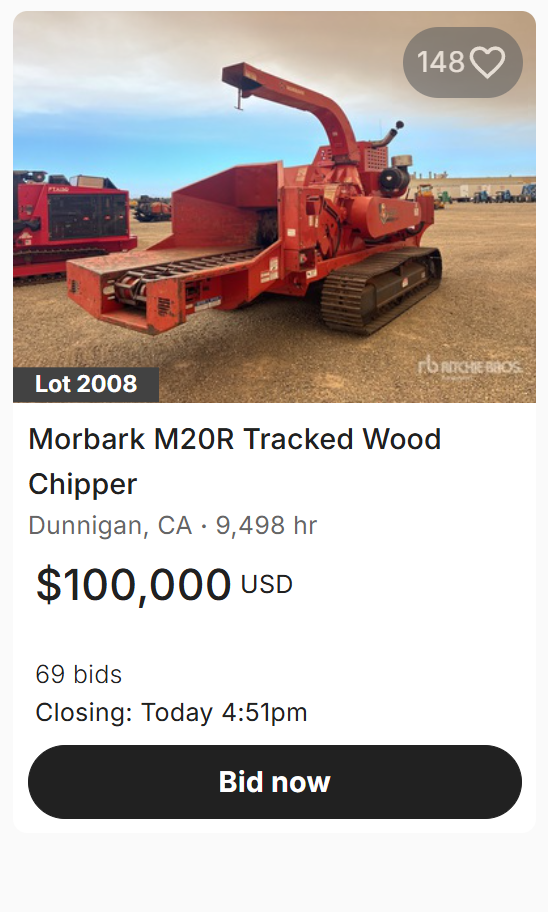
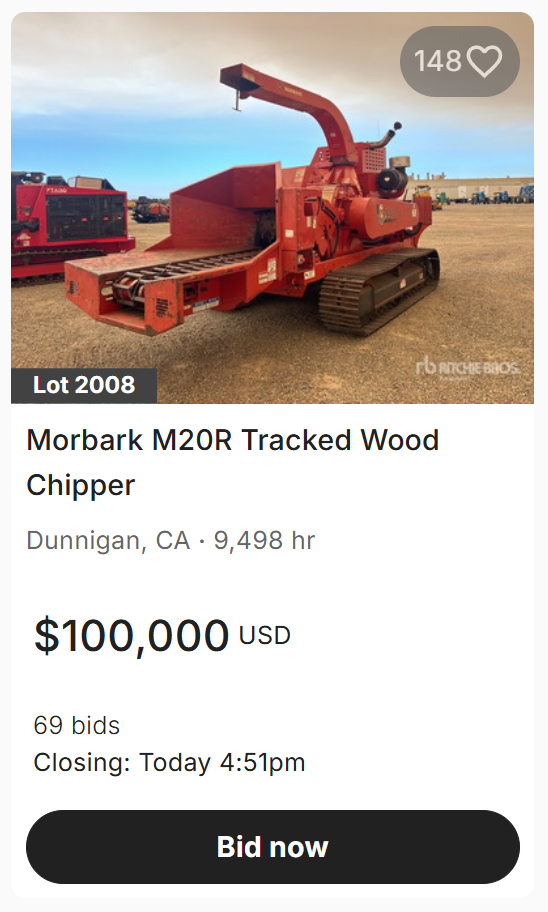
Tighter cards on phones: search result cards on narrow screens are shorter, with the empty space around the price and the Bid button removed, so more listings fit on screen
Search results are easier to order and easier to trust. A new sort menu covers the ways buyers actually compare equipment, and filters put the most popular options first.
Sorting
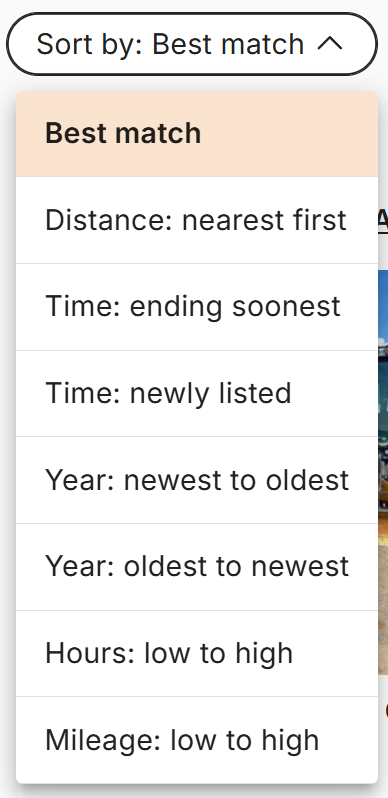
A new sort menu: Best match, Distance: nearest first, Time: ending soonest, Time: newly listed, Year (newest or oldest first), Hours: low to high and Mileage: low to high, plus Lot number on auction pages
Ending soonest means still open: listings that have already closed now drop below the ones you can still bid on
Year sorts lead with dated equipment: items with no year listed now sort last, whichever direction you sort
Your view stays put: the Upcoming or Sold choice stays selected after you filter or sort
Finding things
Popular options first: filter lists now show the options with the most results first, so Cat and Ford come before rarer makes, and “See more” lists everything A to Z
Search button feedback: the search button shows a spinner while your results load, so you know the click registered
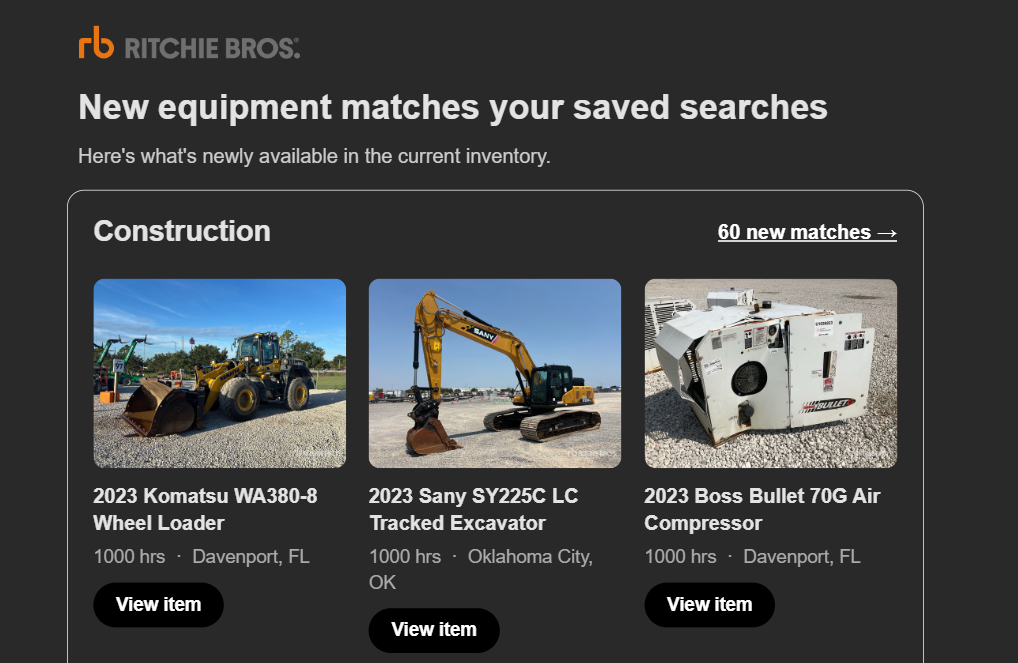
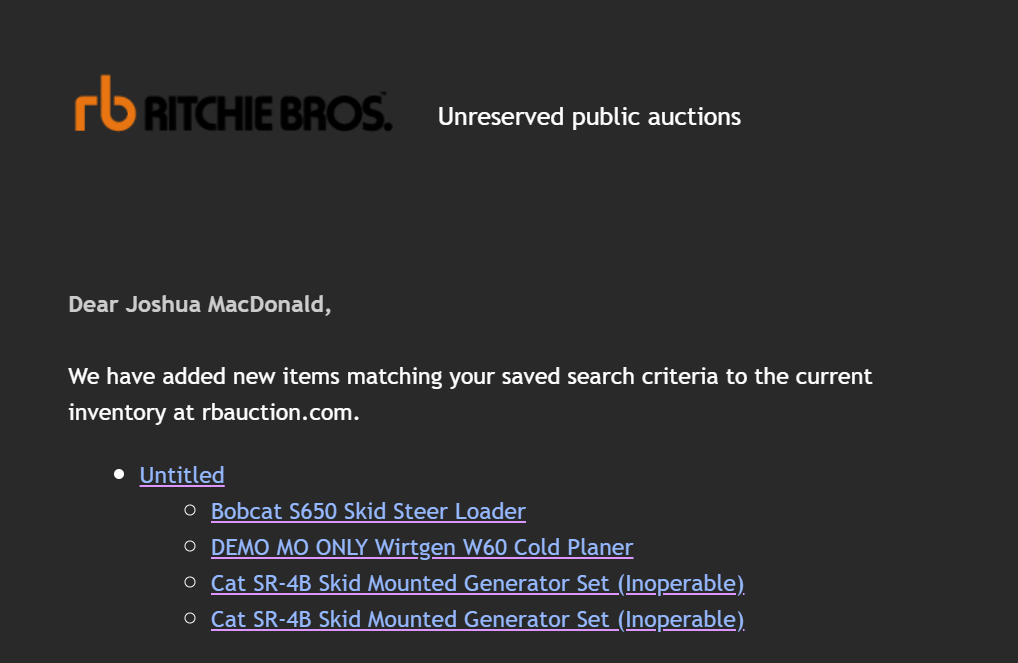
Saved search alerts now show you the equipment, not just a list of links. Each email groups new matches under the search they belong to, with a photo and the key details for every item, so you can tell at a glance what’s worth opening.
Photo cards: every new match shows its photo, year and name, hours or mileage, and where it’s located
Grouped by search: each saved search gets its own section, with a count of new matches and a link to see them all
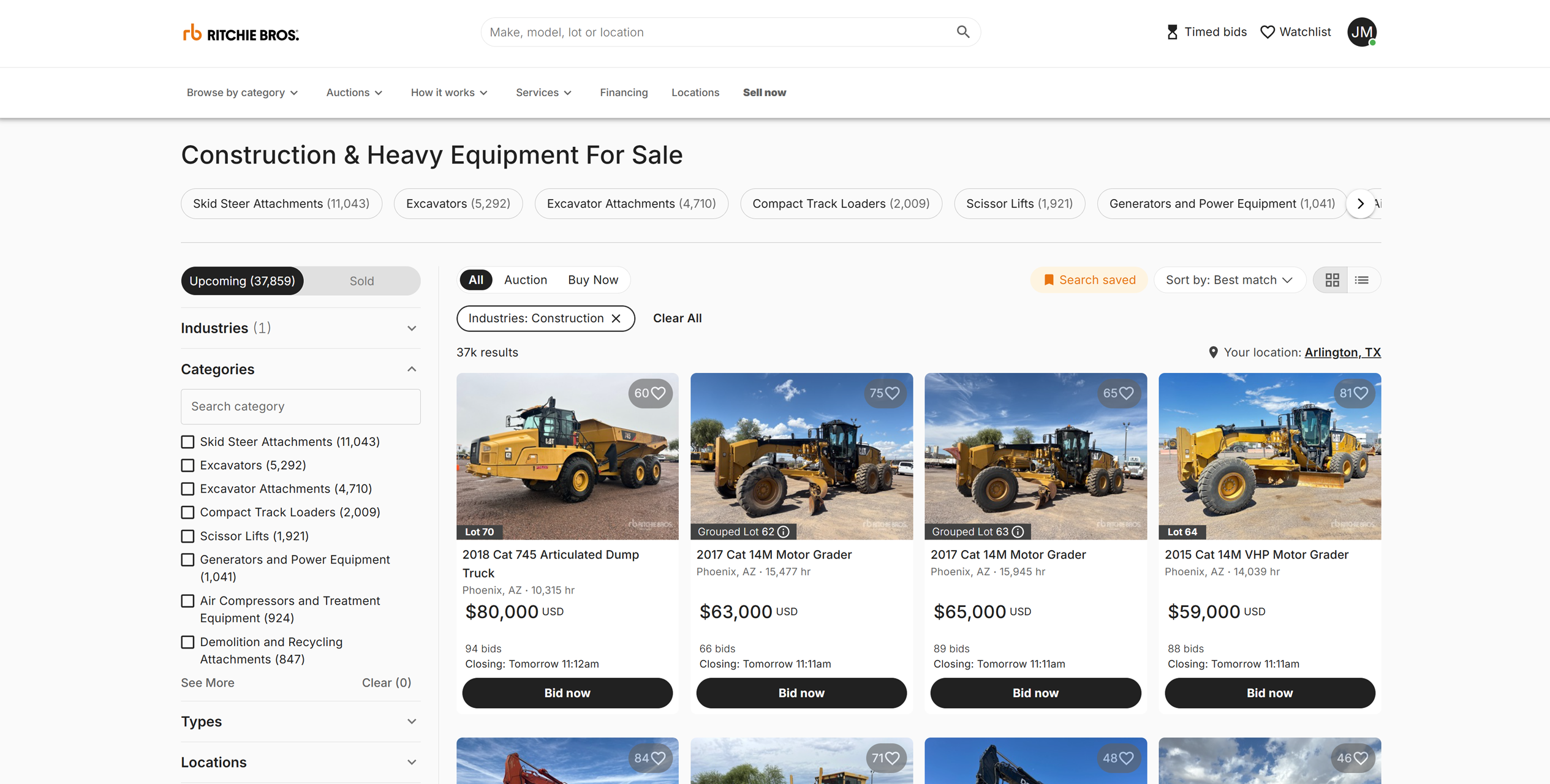
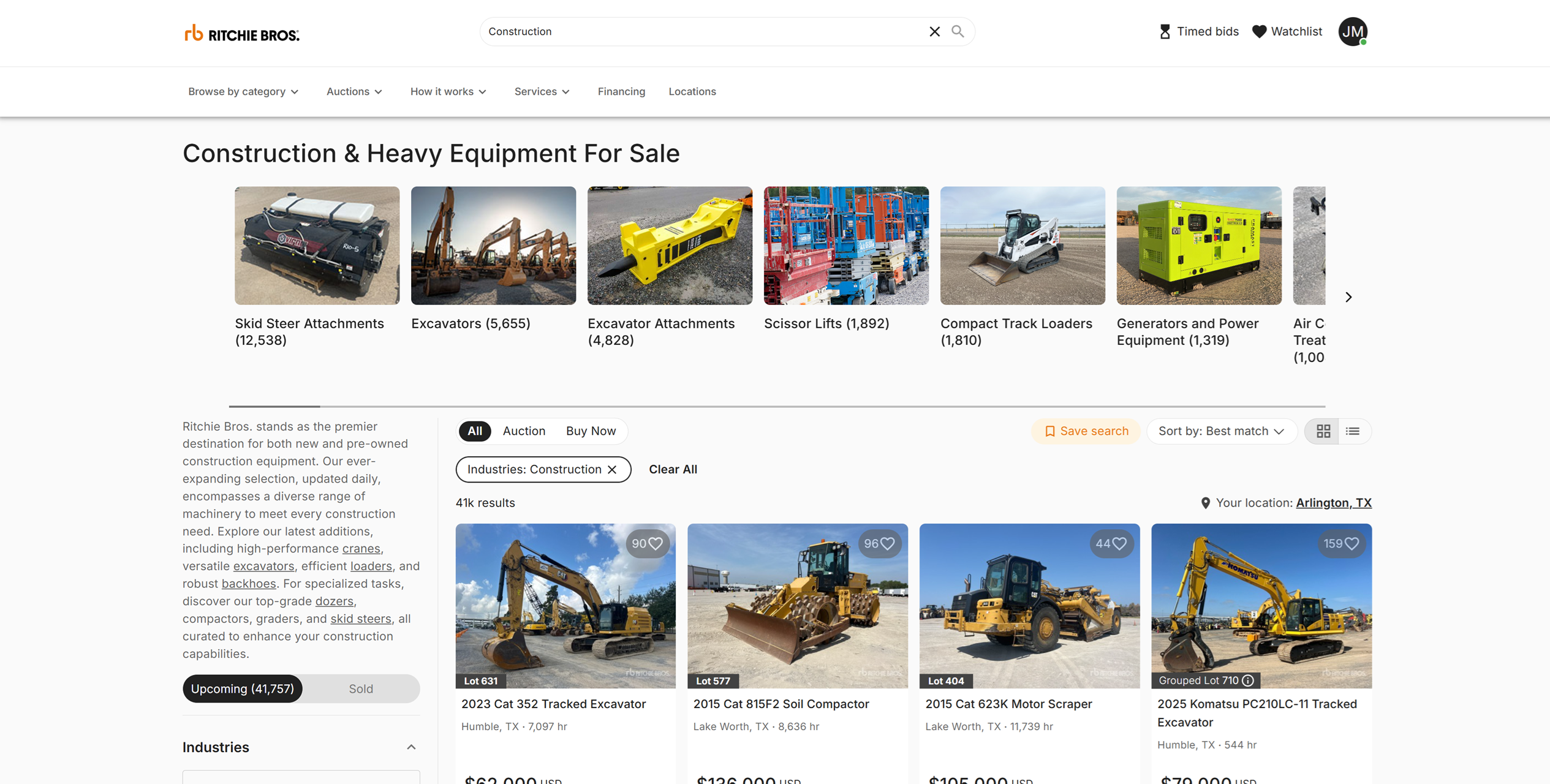
Searches with real names: category searches are named after the category, like “Construction” or “Trucks & Trailers”, instead of “Untitled”
One click to the listing: a “View item” button on every card goes straight to it
Right on time: weekly and daily alerts now arrive at a consistent time, instead of creeping about an hour later each time
In your language: the new design is available in 16 languages
Buying outright and making an offer now live in one place. The Buy Now tab shows every fixed-price listing, including the ones where you can make an offer, so you don’t need to switch between tabs to see everything you can buy without an auction. It’s part of bringing every way to buy into one marketplace, and making buying simple.
One tab for fixed-price buying: the Buy Now tab now includes Make Offer listings alongside Buy Now ones
One less choice: Make Offer no longer has a separate tab to check
Everywhere you filter: the change applies to the tab above search results on desktop, the quick filter on mobile, and the mobile filter menu
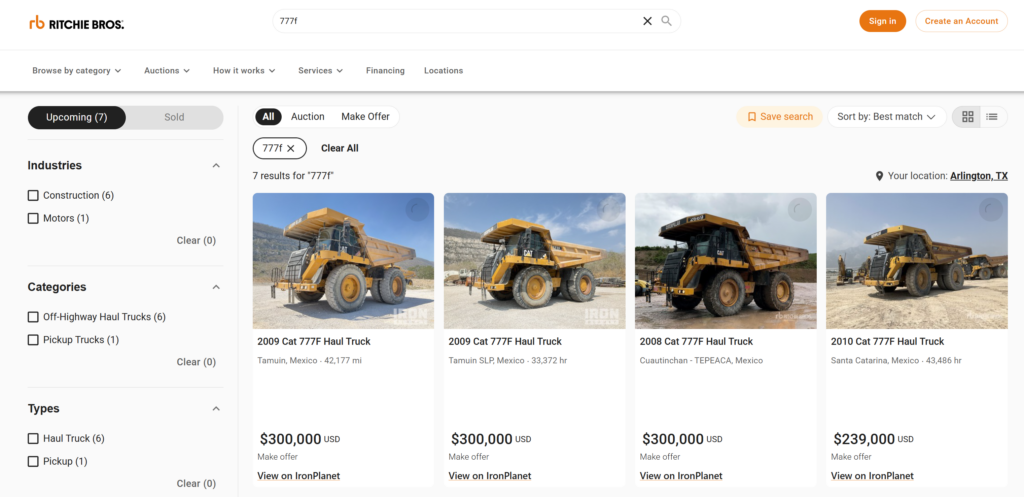
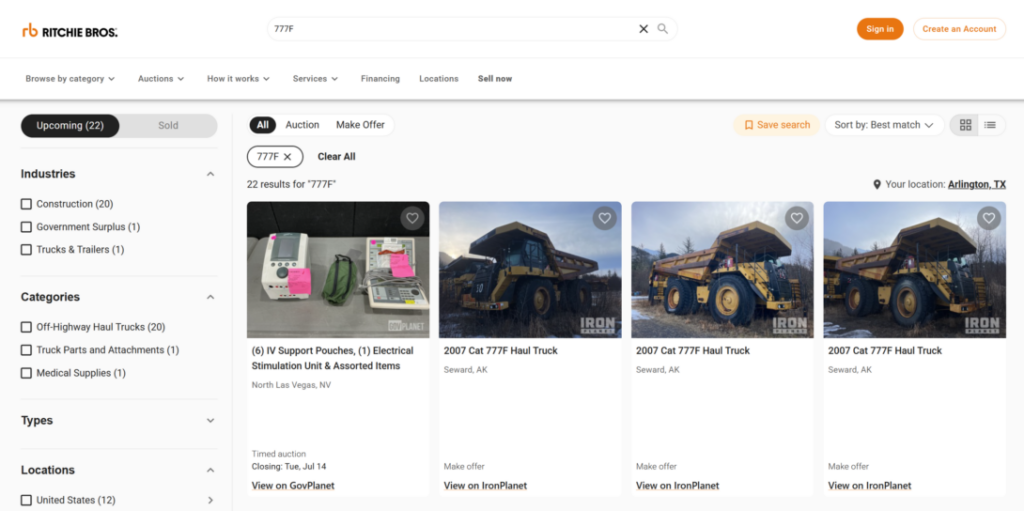
Search accuracy: model names like “Cat 777F” now return the equipment you’re actually looking for. Previously, short alphanumeric model names could surface unrelated listings whose internal identifiers happened to share the same characters — pushing genuine results down the page.
Model name results: searching a model name returns equipment that matches that model, not unrelated listings that share a fragment of an internal ID
Item number lookup: paste a full item number and only that listing comes back
Search now recognizes lot numbers. Type “lot 200” and you’ll go straight to lot 200 — instead of search treating “lot” and “200” as separate terms and burying the one you were after.
It’s part of making search understand the way you describe equipment. Here’s everything you can search by today:
Auction or sale name — pull up everything in a sale
Make & model — “Caterpillar 336,” “John Deere”
Type, category, or industry — “excavator,” “dozer,” “construction”
Keywords from the listing — “enclosed cab,” “low hours”
Location — city, state/province, or country (“Texas,” “Alberta”)
Lot, item, or serial number — jump to a specific unit
QR / asset code — scan or paste to land on the item
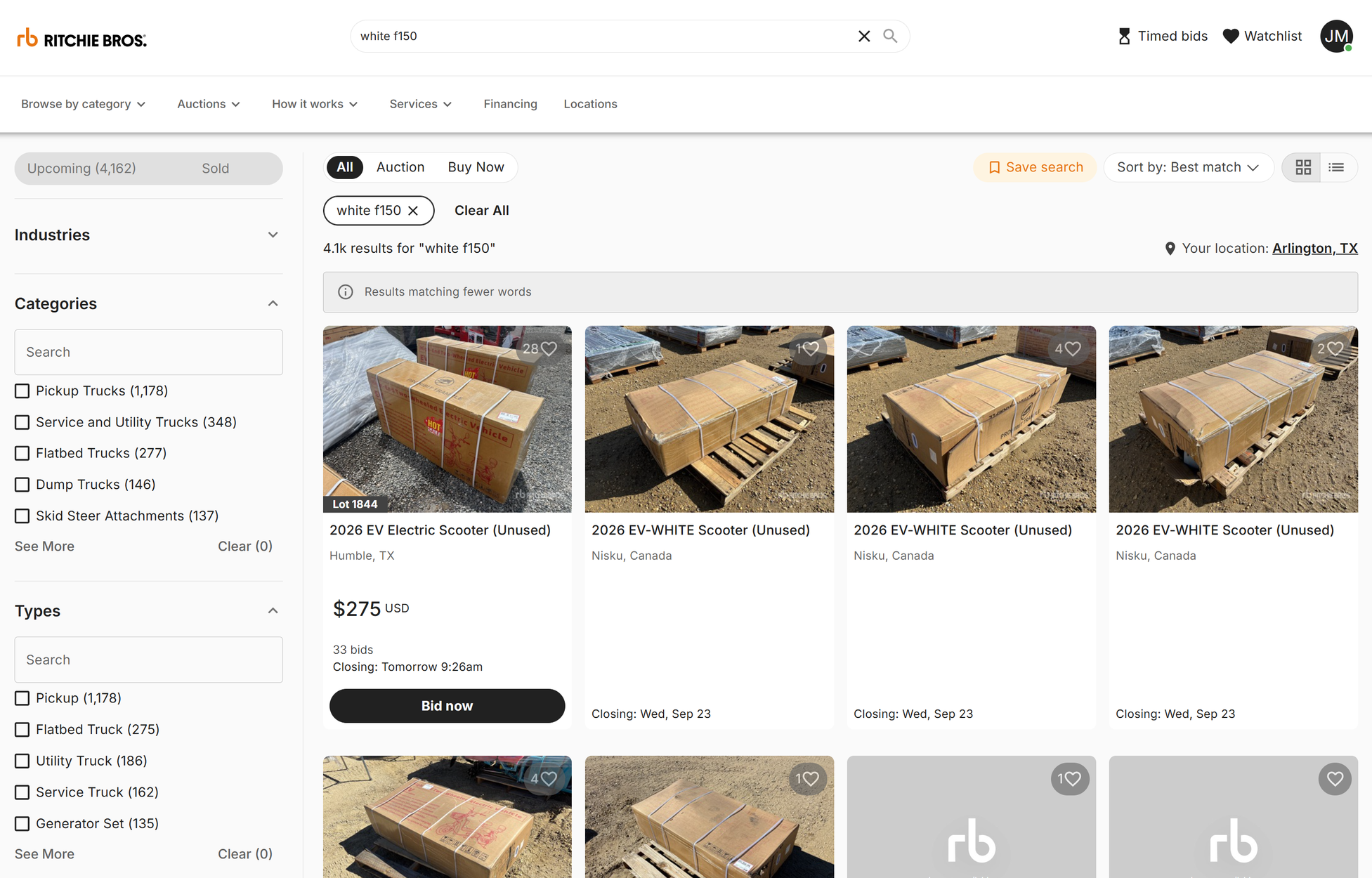
When a search doesn’t have an exact match for every word, we now show you the closest results instead of a dead end — and we tell you when the search has been broadened, so it’s clear why the extra results are there.