What’s new at RB?

  • One bid limit across every sale

    Your bid limit is now consistent across every timed auction — the same limit applies no matter which sale you’re bidding in or what currency it’s in. No more surprises where your limit looks different from one auction to the next.

  • Filter by how you want to buy

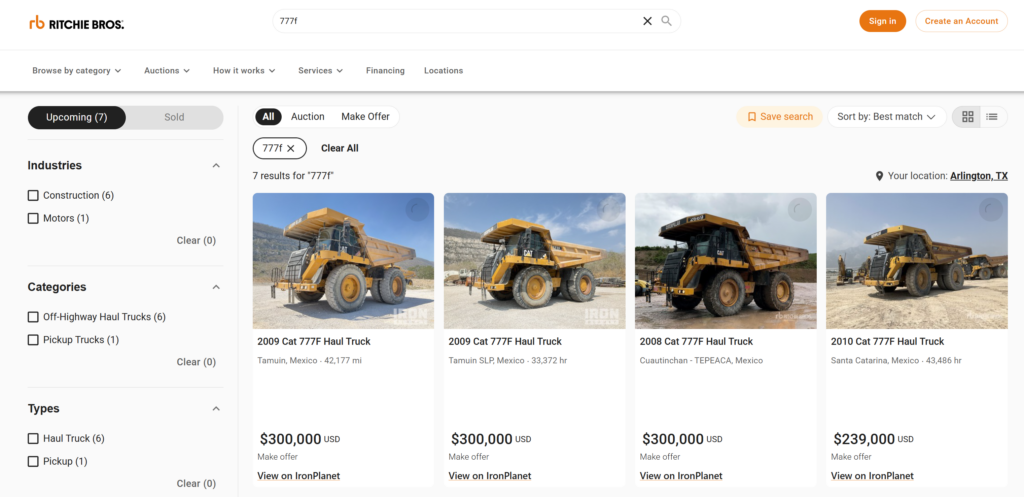
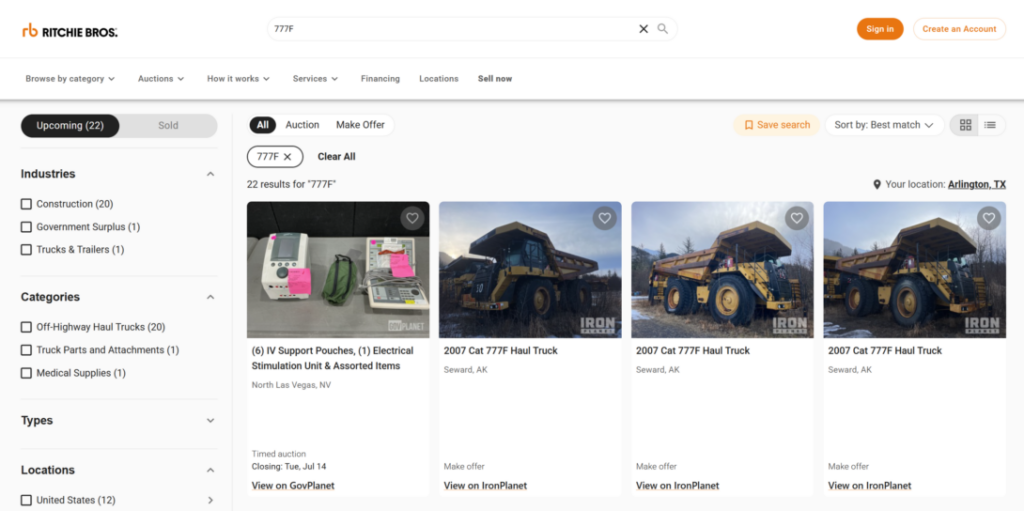
    A new toggle on search and auction pages lets you switch between buying formats — see everything, or narrow to just timed auctions or Buy Now items — so you can find fixed-price equipment faster.

  • Reserve auctions are now open for bidding

    Reserve and starting prices are now supported across auctions. You can bid on reserve and starting-price lots directly on rbauction.com, with reserve messaging shown on the listing so you know where your bid stands against the seller’s minimum.

  • Search by location and auction name

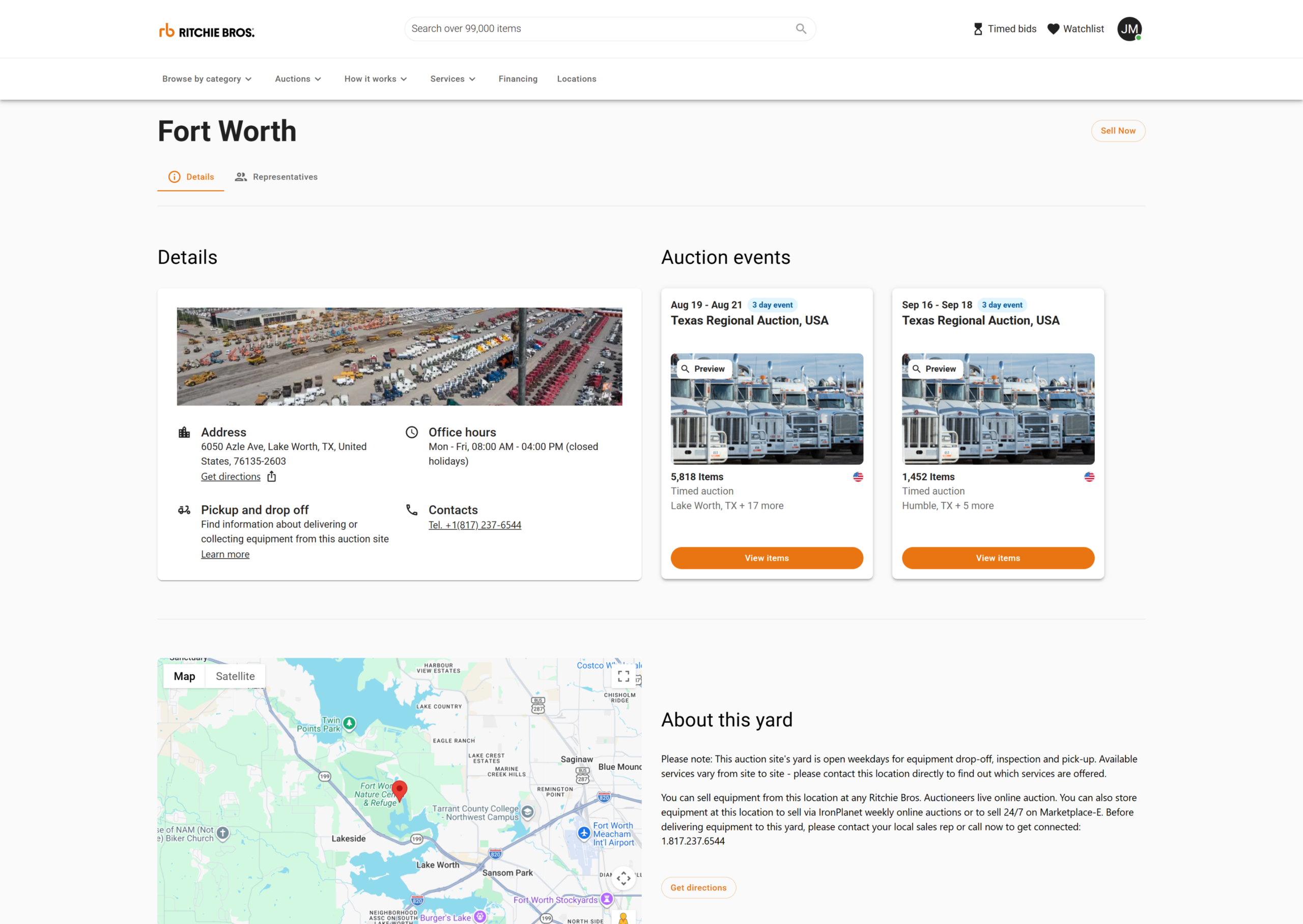
    Search now matches on more than make and model. Search a state, a region, or a city and you’ll get equipment where you want it — or search an auction’s name to pull up everything in that sale.

    • Location: search by state, region, or city to find equipment in the area you’re looking
    • Auction and sale names: search a sale by name to see everything in it
  • New filters to narrow your search

    Two new ways to zero in on the right equipment: filter by distance from a location, and pick more than one industry, category, or type at a time.

    • Distance filter: set a radius around a location and see only the equipment within range
    • Multi-select filters: choose several industries, categories, or asset types at once instead of one at a time
  • Copy an item’s serial number in one tap

    You can now copy an item’s serial number straight from its listing — no more retyping it by hand to look up parts, history, or records.